New Feature: Face Combinations

We’re excited to announce a new autocull feature for Optyx called “face combinations”!

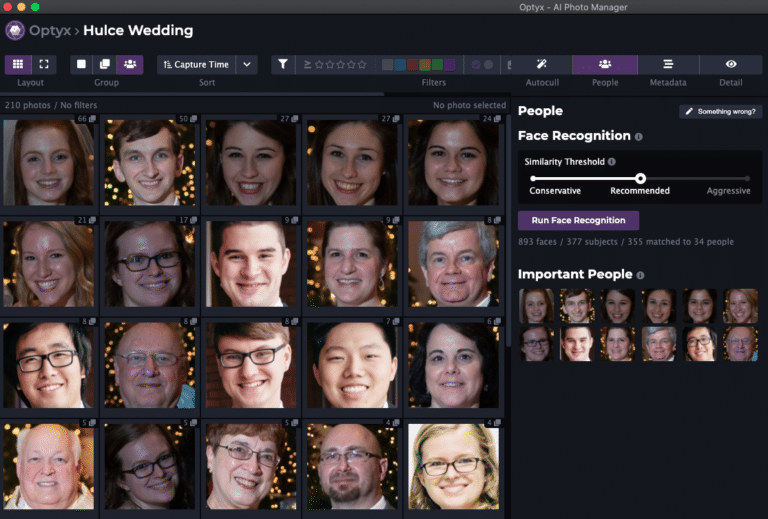
Here’s how it works. When a photo group is detected containing different sets of faces, the “Best of Face Combination” label will be added to the photo that’s “Best Overall” of each unique group of people.

This feature is an ideal fit for staged wedding portraits with identical backgrounds and other similar portrait situations that swap folks in and out without backdrop changes.

face combinations
Use the “Portraits” preset to keep one from each face combination

In the future we hope to extend the reach of this functionality into autogroup sliders, face-based filtering, and subject identification. Let us know what you think and happy culling!
Similar Posts

  • Pricing Announced

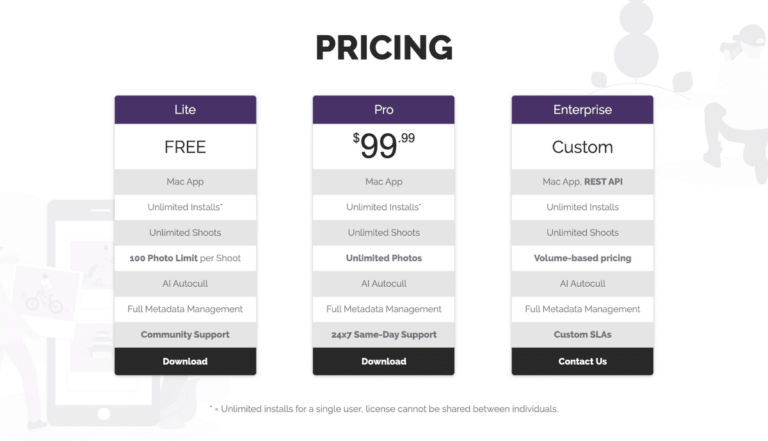
    As we begin to move out of beta, pricing details are finally here! We’re excited to provide a free tier for enthusiasts, an unlimited trial experience for professionals, and reject monthly subscription models for Optyx v1. You don’t provide a credit card until you’re confident Optyx works for YOU! To that end, Optyx will be available in three…

  • v1.4 Release Notes

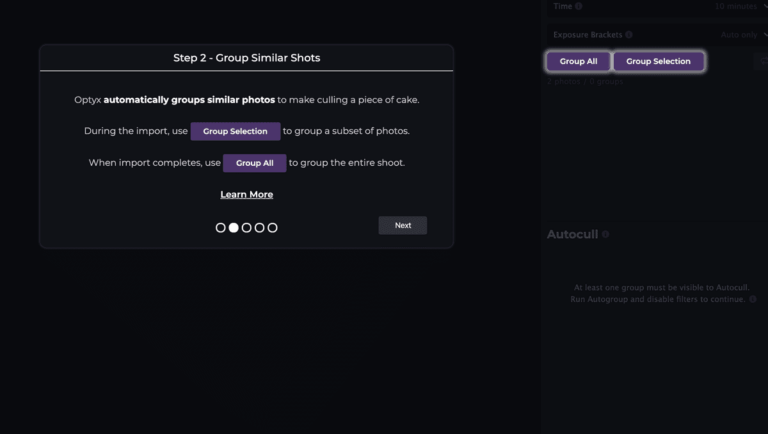
    We’re very excited to announce the release of Optyx v1.4 and new usability improvements to help users like you! Guided Walkthrough Optyx will now automatically walk new users through workflows and what makes Optyx so special. For veteran users, the new walkthrough can be accessed at any time through the Help > Start Walkthrough menu option. Improved Sharpness Labels…

  • Announcing Windows Support

    Hello, Windows! Optyx now has you covered with our latest update bringing first-class Windows 10 support. The team has been hard at work ensuring widespread compatibility. Download the Windows installer now. For details, check out the minimum system requirements below. Requirement Processor Intel® or AMD processor with 64-bit support; 2 GHz or faster processor Operating…

  • Dwight is now Optyx

    Automatic updates for the Dwigt beta application will stop with 0.0.1-beta.20. To continue receiving automatic updates you’ll need to download the new Optyx application. While the Dwigt name has served us well and been a source of more than a few laughs, it’s difficult running a real product with a name that gets autocorrected by Google, Bing,…

  • v2 Release Notes

    We’re very excited to announce the release of Optyx v2.0 and major improvements for the next generation of AI photo culling. Unlimited Photos for Free Tier The Optyx Free tier is no longer subject to a 100 photo limit. Free users can use Optyx to manually cull their photos with Lightning-fast previews on as many photos as…